Partners on one boat
Each partner sees the hours, the history and what is due. No more "did anyone change the impeller?" in the group chat.
$8.99 per month for one boat
For a manager with a handful of boats and a crew that changes with the season, or for partners who share one boat. Everyone works from the same list, on their own phone.

Each partner sees the hours, the history and what is due. No more "did anyone change the impeller?" in the group chat.
$8.99 per month for one boat
Ten boats, one person who keeps them running. The fleet panel shows every boat with its open tasks.
$89.99 per month for 10 boats
Give crew the Crew role and hide amounts; they see the job, not the invoice. Swap people as the season changes.
$44.99 per month for 5 boats
Crew joins free; only the fleet owner pays. Prices in USD; local prices may vary. Subscriptions renew automatically and can be cancelled in the App Store or Google Play. All tiers, from 1 to 50 boats
"Replace impeller, Albatros" goes to Deniz, due this week.
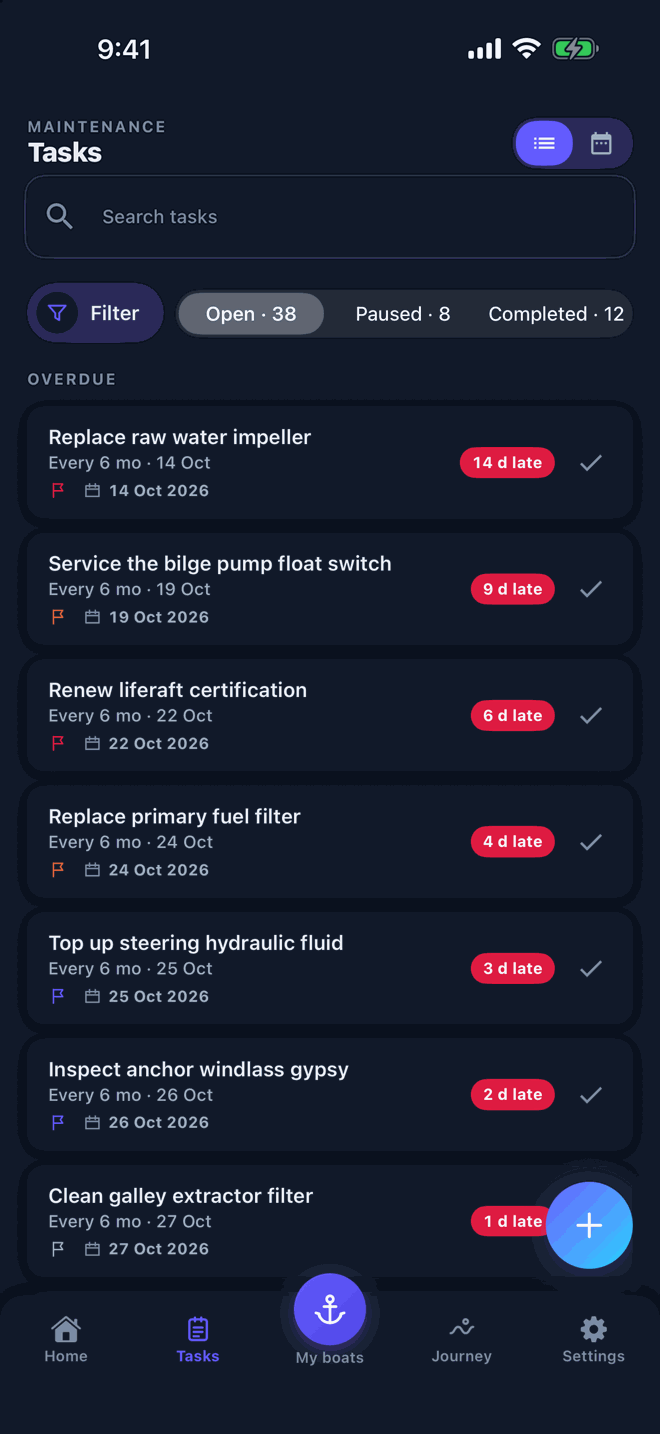
The task shows on Deniz's phone with the boat and due date, alongside the rest of the list.
Deniz marks it complete and attaches the photo of the old impeller. The entry lands in the boat's history.
On the fleet panel the task is closed; in the history the photo and the date are there for good.
Fleet is priced per boat, from one boat up to fifty. Crew members join with an invite code and pay nothing; only the fleet owner pays.
No. Install and start. An account is only needed for Fleet, where several people share boats and changes sync between phones.
In the app go to Settings → Danger zone → Delete all data. After two confirmations it removes the data on your phone, your account and fleet memberships on the server and, if enabled, the Google Drive backup. Files you exported earlier are not touched, and a subscription is not cancelled by this — cancel it in the App Store or Google Play. See the privacy policy for details.
Start a fleet in the app with the free trial, or tell us about your boats and we reply by e-mail.
A member of the team answers, usually within a few working days.